
Online Display Screen Equipment (DSE) Course
Course last updated: June 2026
Course certificate valid for 3 years
UK & EU accredited training
Course duration: 1 hr 15 mins
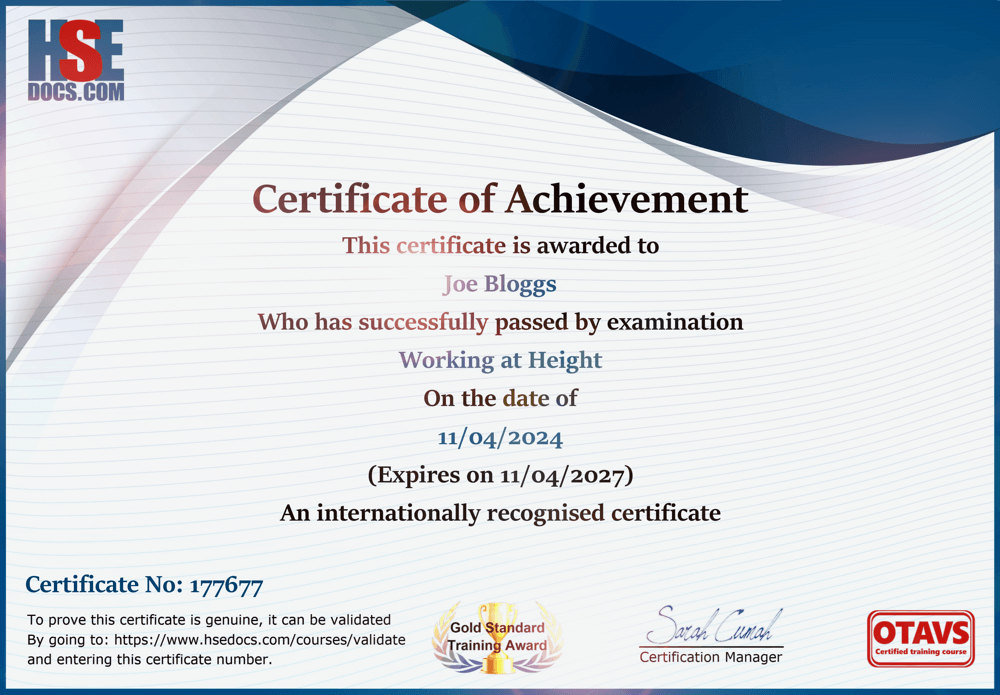
Download your DSE certificate as soon as you’ve completed the online training.
This course has been assured and assessed for quality, content and delivery by OTAVS

Save more when you buy in bulk
Course format: Three video training modules, with a multiple-choice section at the end of each module.
Entry requirements: Anyone can complete this Display Screen Equipment Course, whether they have previous experience or not.
The document is a three-module Display Screen Equipment (DSE) course explaining how employers and workers can prevent eye strain, fatigue and musculoskeletal problems when using computers, laptops, tablets, smartphones and other screens.
Module 1 introduces DSE and ergonomics. Employers must assess DSE workstations, reduce risks, provide suitable breaks or changes of activity, arrange eye tests when requested and give employees appropriate information and training. Risks arise from the equipment, the working environment, and the user’s knowledge. Ergonomics is divided into physical, cognitive and organisational considerations.
Module 2 explains how to set up a workstation:
- Adjust the chair to support the spine and lumbar region.
- Keep shoulders relaxed and forearms approximately horizontal.
- Adjust armrests to support the elbows without raising the shoulders.
- Leave about a three-finger gap between the seat and the backs of the knees.
- Keep thighs approximately parallel with the floor and feet supported.
- Match the chair’s width and capacity to the individual.
- Keep the desk and space underneath clear.
- Position the keyboard and mouse so the wrists remain neutral.
- Use a docking station, separate keyboard and mouse for prolonged laptop work.
- Place the monitor directly ahead, roughly 40–74 cm away, with the viewing point near its upper edge.
- Eliminate glare, reflections, flicker and excessive contrast.
- Take short, frequent breaks—around five to ten minutes each hour is presented as good practice.
Module 3 explains how the spine’s vertebrae, discs and natural curves work. It emphasises maintaining a supported, upright posture because slouching and prolonged static positions place additional strain on the muscles, ligaments and lower back.
The central message is that DSE safety involves more than the screen. The chair, desk, input devices, lighting, workload, posture and frequency of movement must work together. A properly adjusted workstation, a clear display, regular movement, and suitable organisational practices can significantly reduce discomfort, fatigue, eye strain, and longer-term injury.
A sample of some customers we're proud to train
Teams across the UK use HSEDocs for practical workplace training and recognised certificates.